
Frontend Development with HTML and CSS
Frontend Development: Frontend development refers to the process of creating the user interface and experience of a website or web application. It involves using languages like HTML, CSS, and JavaScript to design and develop the visual elem…
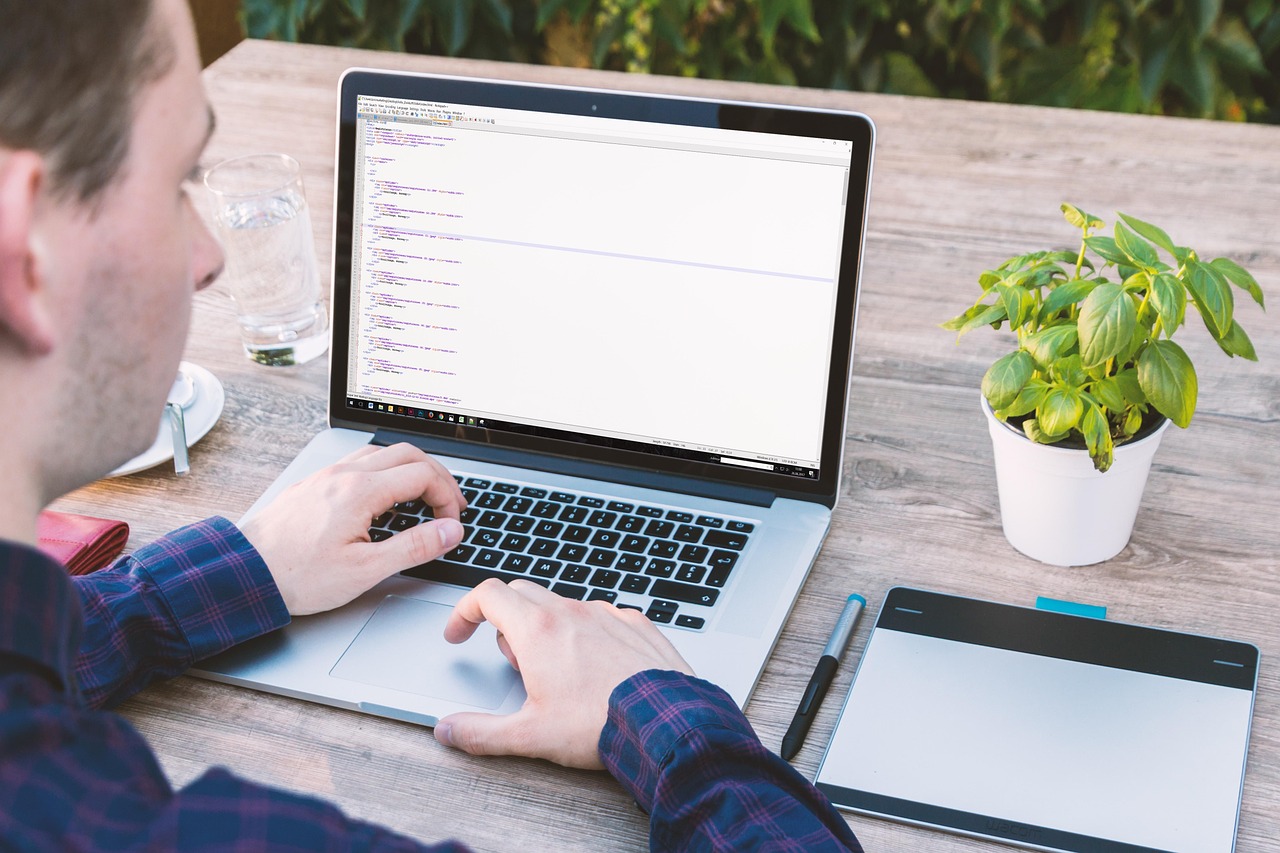
Frontend Development: Frontend development refers to the process of creating the user interface and experience of a website or web application. It involves using languages like HTML, CSS, and JavaScript to design and develop the visual elements that users interact with.
HTML: HTML, or Hypertext Markup Language, is the standard language used to create and design web pages. It provides the structure and content of a webpage by using a series of elements or tags that define different parts of the page such as headings, paragraphs, images, links, and more.
CSS: CSS, or Cascading Style Sheets, is a styling language used to design the layout and appearance of a webpage. It allows developers to control the colors, fonts, spacing, and overall visual presentation of a website by targeting specific HTML elements and applying styles to them.
Python Web Development: Python web development is the process of creating dynamic websites or web applications using the Python programming language. It involves using frameworks like Django or Flask to build robust and scalable web solutions.
Professional Certificate: A professional certificate is a credential awarded to individuals who have completed a specialized training program or course in a specific field. It serves as a validation of the individual's skills and expertise in that particular area.
User Interface: The user interface (UI) is the graphical layout of a website or application that users interact with. It includes elements such as buttons, menus, forms, and other visual components that allow users to navigate and interact with the site.
User Experience: User experience (UX) refers to the overall experience that a user has while interacting with a website or application. It encompasses how easy or intuitive the site is to use, how quickly it loads, and how well it meets the user's needs and expectations.
Web Development: Web development is the process of creating websites or web applications. It involves designing, building, and maintaining websites using a combination of programming languages, frameworks, and tools.
Dynamic Websites: Dynamic websites are sites that display different content to users based on their interactions or preferences. They often use databases and server-side scripting languages to generate content on the fly, providing a personalized experience for users.
Frameworks: Frameworks are pre-built structures or libraries that developers can use to streamline the web development process. They provide a set of tools, functions, and conventions that help developers build websites more efficiently and effectively.
Django: Django is a high-level Python web framework that encourages rapid development and clean, pragmatic design. It follows the model-template-views (MTV) architecture pattern, making it easy for developers to build complex web applications.
Flask: Flask is a lightweight Python web framework that is designed to be simple and easy to use. It is ideal for small to medium-sized web applications and offers flexibility and extensibility through its modular design.
Visual Elements: Visual elements are the components of a website that users see and interact with. They include images, videos, buttons, forms, menus, and other graphical elements that contribute to the overall look and feel of the site.
Structure: The structure of a website refers to the way in which its content is organized and presented to users. It includes the layout, navigation, and hierarchy of information that guides users through the site.
Content: Content is the text, images, videos, and other media that make up the information displayed on a website. It is crucial for engaging users and providing them with valuable and relevant information.
Elements: Elements are the building blocks of HTML that define the different parts of a webpage. They include tags such as headings, paragraphs, lists, images, links, and more, which help structure and organize the content of the site.
Tags: Tags are the markup symbols used in HTML to define the structure and content of a webpage. They consist of opening and closing brackets enclosing the name of the element, such as
for paragraphs or for images.
Headings: Headings are used in HTML to define the titles or headings of sections on a webpage. They are marked with
to tags, with being the largest and most important heading, and being the smallest and least important.
being the largest and most important heading, and being the smallest and least important.
Paragraphs: Paragraphs are used in HTML to define blocks of text on a webpage. They are enclosed in
tags and are typically used to separate and organize textual content into readable chunks.
Images: Images are used in HTML to display visual content on a webpage. They are inserted using the tag and require a source attribute (src) that specifies the location of the image file.
Links: Links are used in HTML to create clickable connections between webpages. They are inserted using the tag and require a href attribute that specifies the URL of the destination page.
Lists: Lists are used in HTML to organize content into ordered (numbered) or unordered (bulleted) lists. They are created using the
- and
- tags for list items.
Forms: Forms are used in HTML to collect user input or data on a webpage. They are created using the
- tags for ordered and unordered lists, respectively, with
Key takeaways
- Frontend Development: Frontend development refers to the process of creating the user interface and experience of a website or web application.
- It provides the structure and content of a webpage by using a series of elements or tags that define different parts of the page such as headings, paragraphs, images, links, and more.
- It allows developers to control the colors, fonts, spacing, and overall visual presentation of a website by targeting specific HTML elements and applying styles to them.
- Python Web Development: Python web development is the process of creating dynamic websites or web applications using the Python programming language.
- Professional Certificate: A professional certificate is a credential awarded to individuals who have completed a specialized training program or course in a specific field.
- It includes elements such as buttons, menus, forms, and other visual components that allow users to navigate and interact with the site.
- User Experience: User experience (UX) refers to the overall experience that a user has while interacting with a website or application.