
Building Web Applications with Flask
Building Web Applications with Flask is a popular course in the Professional Certificate in Python Web Development program. It covers various key terms and vocabulary that are essential for understanding how to create dynamic web applicatio…
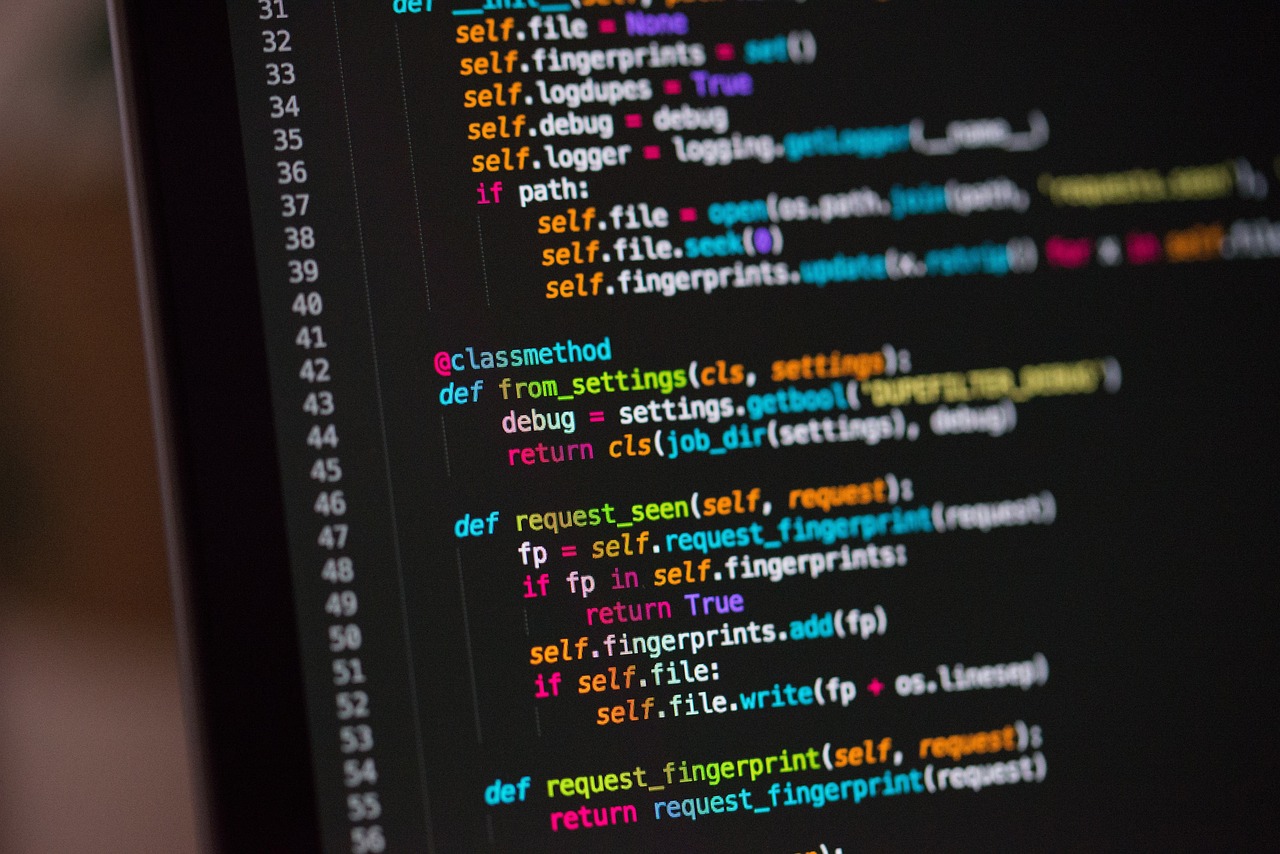
Building Web Applications with Flask is a popular course in the Professional Certificate in Python Web Development program. It covers various key terms and vocabulary that are essential for understanding how to create dynamic web applications using Flask - a lightweight Python web framework.
Flask is a micro web framework that is written in Python. It is designed to be simple and easy to use, making it a popular choice for building web applications. Flask provides tools and libraries that allow developers to easily create web applications and APIs.
Some key terms and vocabulary that are important to understand when building web applications with Flask include:
1. Route: In Flask, a route is a URL that maps to a specific function in your application. When a user visits a specific URL, Flask will call the corresponding function to handle the request.
2. View Function: A view function is a Python function that is associated with a route in Flask. This function is responsible for handling the request and generating a response that is sent back to the client.
3. Template: Templates in Flask are used to generate HTML dynamically. They allow you to separate the presentation logic from the business logic in your application, making it easier to maintain and update your code.
4. Context: The context in Flask refers to the information that is available to a view function when it is called. There are two types of context in Flask - application context and request context.
5. Request: In Flask, a request is an object that represents the HTTP request that a client sends to the server. The request object contains information about the request, such as the URL, headers, and form data.
6. Response: A response in Flask is an object that represents the HTTP response that the server sends back to the client. The response object contains the content that is sent back to the client, as well as the status code and headers.
7. Session: Sessions in Flask are used to store user-specific information across multiple requests. They allow you to keep track of user data, such as login information or shopping cart contents, without having to store it on the client side.
8. Middleware: Middleware in Flask is a layer of code that sits between the request and response objects. It allows you to modify the request or response before it is processed by your application.
9. Blueprint: Blueprints in Flask are used to organize your application into smaller, reusable components. They allow you to define groups of routes and view functions that can be registered with your application.
10. Extension: Extensions in Flask are third-party libraries that provide additional functionality to your application. There are many extensions available for Flask that can help you add features such as authentication, database integration, and form validation.
11. Decorator: Decorators in Python are a powerful feature that allows you to modify the behavior of functions or methods. In Flask, decorators are used to associate a route with a view function.
12. Jinja: Jinja is a templating engine that is used in Flask to generate dynamic HTML. It allows you to use template tags and filters to create dynamic content in your templates.
13. Werkzeug: Werkzeug is a WSGI utility library that is used in Flask. It provides tools for handling HTTP requests and responses, as well as other utilities that are useful for web development.
14. SQLAlchemy: SQLAlchemy is a popular ORM (Object-Relational Mapping) library for Python. It allows you to interact with databases using Python objects, making it easier to work with databases in your Flask applications.
15. RESTful API: A RESTful API is an API that follows the principles of REST (Representational State Transfer). It uses standard HTTP methods (GET, POST, PUT, DELETE) to perform CRUD (Create, Read, Update, Delete) operations on resources.
16. CRUD Operations: CRUD stands for Create, Read, Update, Delete. These are the basic operations that are performed on data in a database. In Flask, you can implement CRUD operations using SQLAlchemy to interact with your database.
17. Unit Testing: Unit testing is a software testing method where individual units or components of a program are tested in isolation. In Flask, you can use the built-in testing framework to write unit tests for your application.
18. Deployment: Deployment in Flask refers to the process of making your web application available to users on the internet. There are various ways to deploy a Flask application, including using platforms like Heroku or AWS.
19. Authentication: Authentication in Flask is the process of verifying the identity of a user. There are various authentication methods available in Flask, such as basic authentication, token-based authentication, and OAuth.
20. Authorization: Authorization in Flask is the process of determining what a user is allowed to do within your application. You can use Flask's built-in authorization features or third-party libraries to implement role-based access control.
By understanding these key terms and vocabulary, you will be better prepared to build web applications with Flask and create dynamic, interactive websites and APIs. Practice using these concepts in your projects to reinforce your understanding and improve your skills as a Python web developer.
Key takeaways
- It covers various key terms and vocabulary that are essential for understanding how to create dynamic web applications using Flask - a lightweight Python web framework.
- It is designed to be simple and easy to use, making it a popular choice for building web applications.
- When a user visits a specific URL, Flask will call the corresponding function to handle the request.
- This function is responsible for handling the request and generating a response that is sent back to the client.
- They allow you to separate the presentation logic from the business logic in your application, making it easier to maintain and update your code.
- Context: The context in Flask refers to the information that is available to a view function when it is called.
- Request: In Flask, a request is an object that represents the HTTP request that a client sends to the server.